
No-Code Build.
Launch faster on Framer and Webflow, without giving up design quality or control of your own site.
Book a call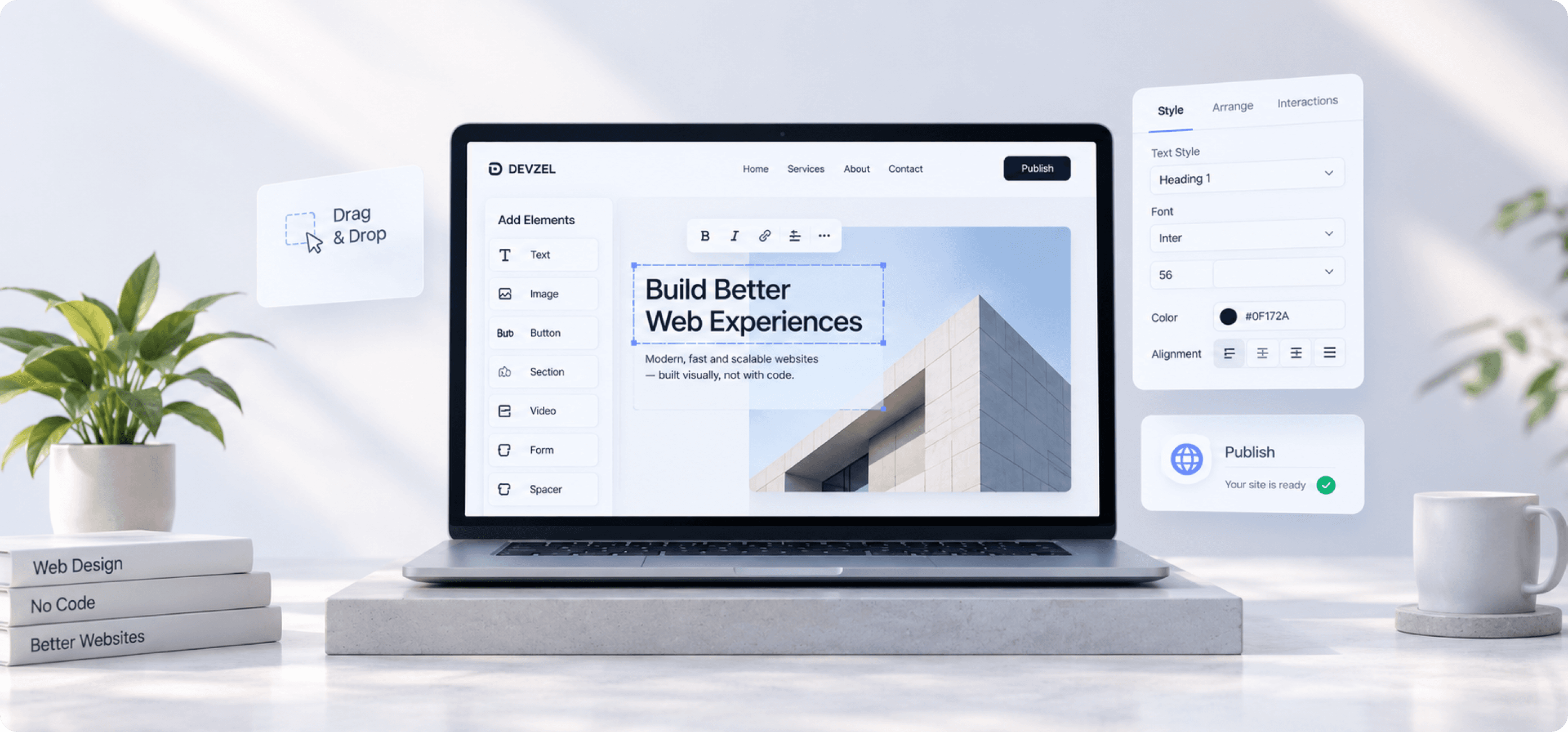
Service details
- Service:
- No-Code Design & Build
- Focus:
- Marketing Sites, Landing Pages, CMS
- Industries:
- Startups / Agencies / Small Teams
- Role:
- Design, Build, CMS Setup & Handover
About the service
Launch in weeks, on a platform your marketing team can edit without a developer.
Not every site needs a custom build. When speed and day-to-day independence matter more than bespoke application logic, Framer and Webflow get you live sooner and keep publishing in the hands of the people who write the copy.
The build itself is done properly, real components, a structured CMS, consistent styles and responsive behaviour that survives long content, so choosing no-code does not mean settling for a template that looks like everyone else's.

Our approach
From CMS structure to a site your team fully owns
Pages and collections are mapped before anything is built, so the CMS matches how you will actually publish. Getting that wrong is the single thing that turns a fast build into a full rebuild six months later.
Then we build with reusable components and consistent styles, wire up forms, analytics and automations, and walk your team through editing and publishing it themselves before handover.

The outcome
Live quickly, and yours to run from day one.
The site launches in a fraction of the time a custom build takes, with the design quality intact and performance in a good place rather than an afterthought.
Your team publishes new pages, updates copy and adds case studies without opening a ticket, and the Framer or Webflow account stays in your name, not ours, so nothing about the site depends on our continued involvement.
What's included
What a no-code build engagement covers
- Framer website design and build
- Webflow development and CMS setup
- Reusable components and style system
- Landing pages and campaign templates
- Form, analytics and automation wiring
- Team training and account handover
FAQ
No-Code Build questions, answered
Still unsure about something? Ask us directly, we answer every message ourselves.
Should we use Framer or Webflow?
Framer suits marketing sites that lean on motion and fast iteration, and its editing experience is simpler for non-technical teams. Webflow suits content-heavy sites with larger CMS structures and more complex conditional logic. We recommend one after seeing how you plan to publish.
Can our team edit the site ourselves afterwards?
That is the point of building this way. Copy, images, CMS entries and whole new pages are editable without a developer, and handover includes a walkthrough plus notes covering the parts specific to your build.
Is a no-code site good for SEO?
Yes, when it is built correctly. Framer and Webflow both render real server-side HTML, and we set page titles, meta descriptions, structured data, clean URLs, sitemaps and image optimisation as part of the build rather than leaving them at defaults.
When should we choose a custom build instead?
When the site needs user accounts, complex application logic, deep third-party integrations, or performance at a scale platforms are not designed for. If a project starts drifting that way, we say so rather than forcing it onto no-code.
Can you migrate our existing site to Framer or Webflow?
Yes, including content migration, URL redirect mapping and preserving the SEO you already have. Redirects and metadata are planned before launch so existing rankings carry over instead of resetting.