
Workflow Automation.
Connect the tools your team already uses so work moves between them on its own — no copy-paste, no dropped handoffs.
Book a call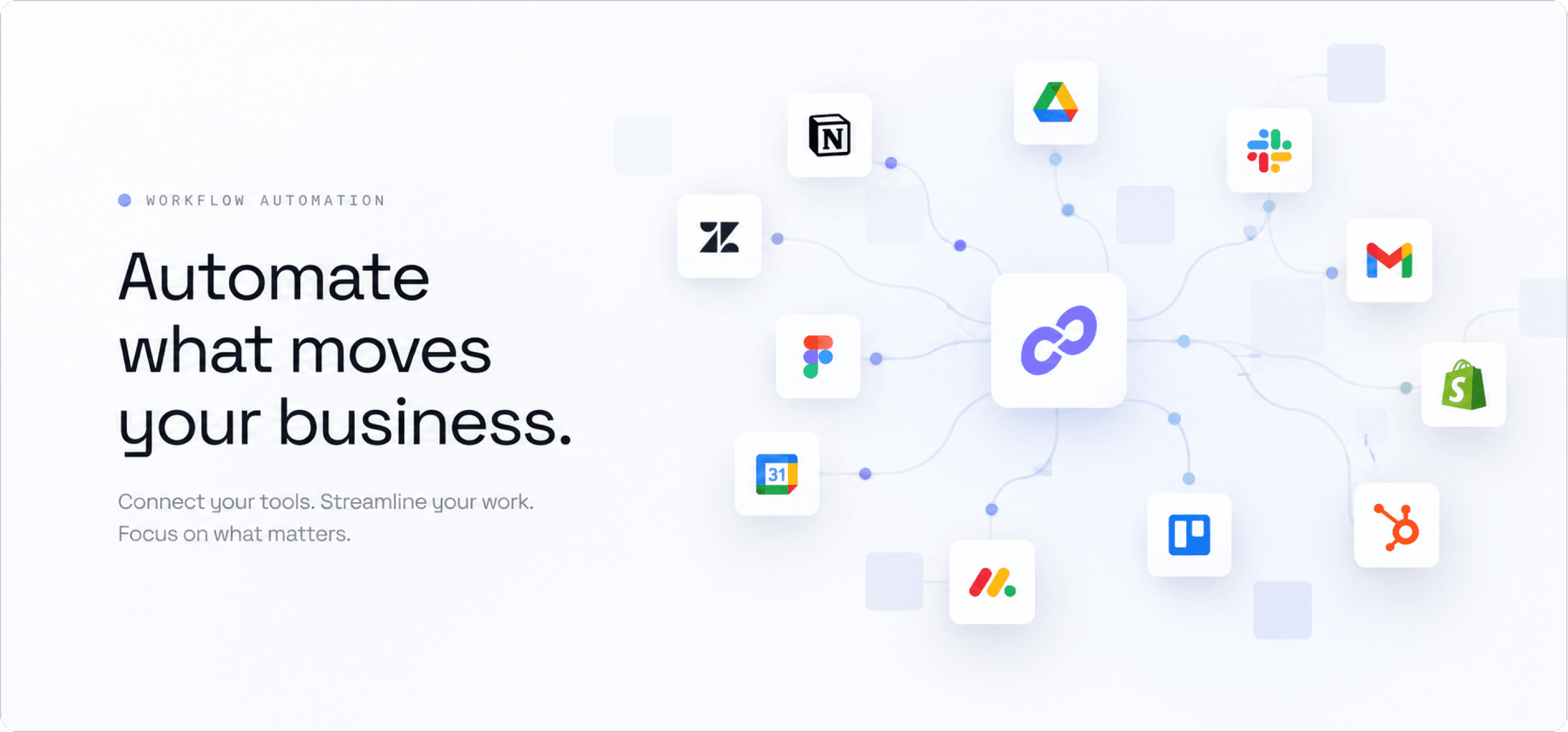
Service details
- Service:
- Workflow & Business Process Automation
- Focus:
- CRM, Operations, Finance & Reporting
- Industries:
- SaaS / Agencies / Operations
- Role:
- Audit, Integration, Build & Monitoring
About the service
Putting repetitive work on rails, so your team spends its time on the parts that need a person.
Every engagement starts with the work itself: the copying between tools, the inbox triage, the follow-ups nobody owns, the report someone rebuilds by hand every Monday. Those are the tasks worth automating first, and they are rarely the ones people name when asked.
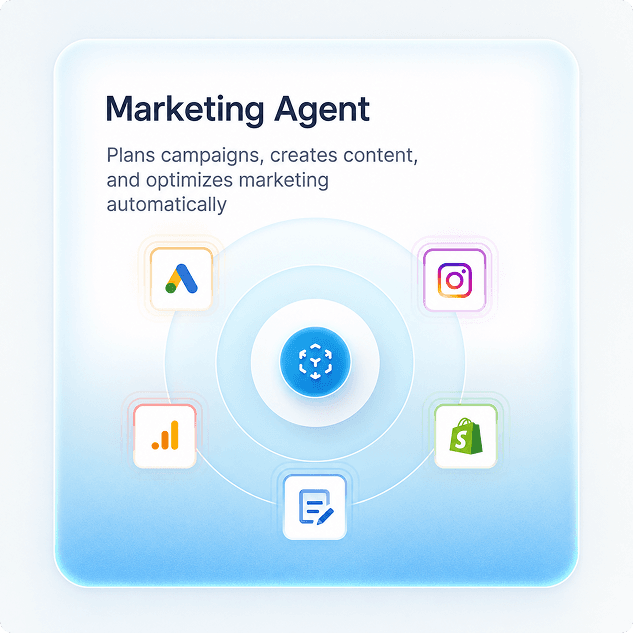
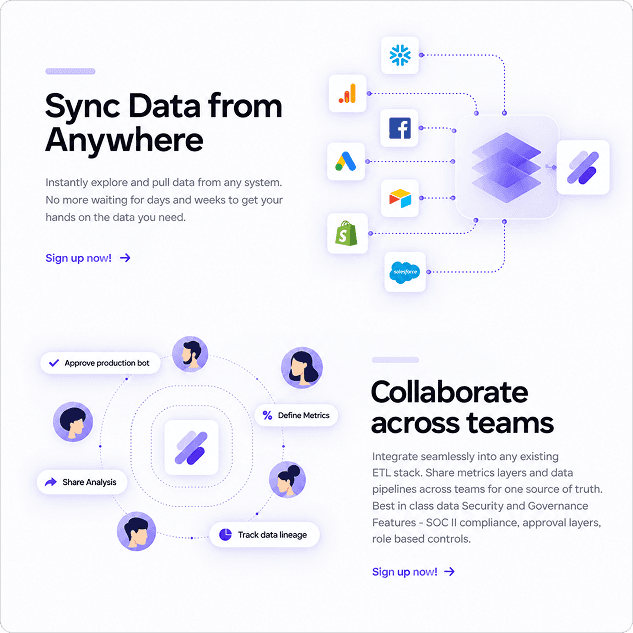
From there we connect the tools you already pay for, such as CRM, inbox, forms, billing, spreadsheets and databases, and move the data between them automatically. Every workflow ships with logging and a defined failure path, because an automation nobody can inspect is one nobody will keep running.
Our approach
From mapping the handoffs to systems you can trust unattended
We audit where time actually goes and which steps break when one person is on leave. That audit sets the order of work: the highest-friction handoff gets automated first, not the most impressive demo.
Every automation ships with visibility: what ran, when, what it changed, and what to do when it fails. Approval steps sit on anything that touches customers or money, so nothing runs unattended before it has earned it.
The outcome
Hours back every week, and handoffs that stop being dropped.
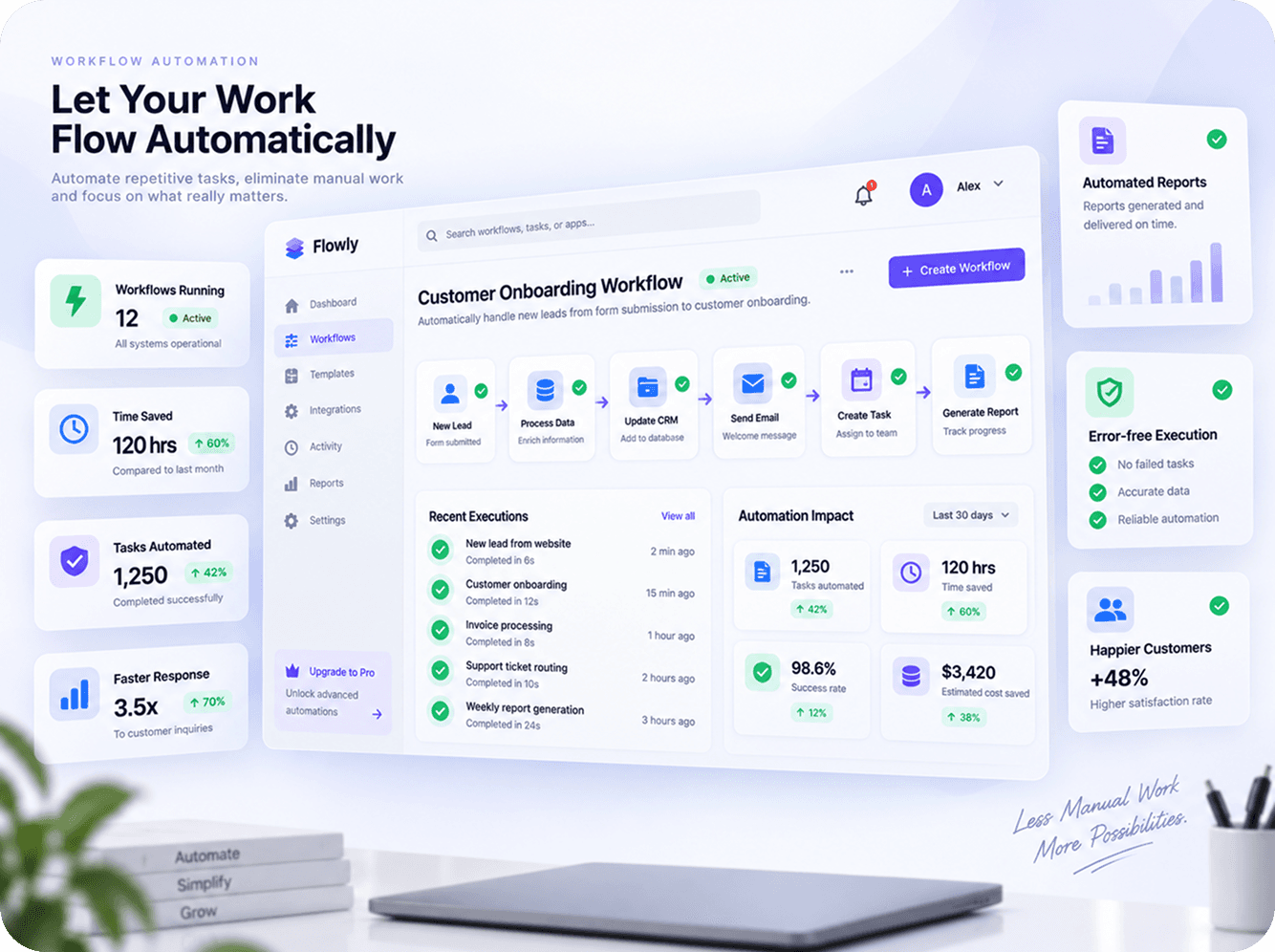
Work moves between tools on its own. Requests are routed the moment they land, records stay in sync across systems, and the weekly reports build themselves.
Your team keeps the judgement calls and loses the copy-paste, and every run is logged, so you can see exactly what the system did, when, and why.
What's included
What a workflow automation engagement covers
- Workflow audit and automation roadmap
- n8n, Make and Zapier automations
- CRM, email and helpdesk integrations
- Invoicing, billing and data-entry automation
- Automated reporting and dashboards
- Monitoring, alerts and failure handling
FAQ
Workflow Automation questions, answered
Still unsure about something? Ask us directly, we answer every message ourselves.
What business processes can be automated?
Anything with a repeatable trigger and a clear rule: lead routing and enrichment, onboarding sequences, invoicing and data entry, CRM and spreadsheet syncing, reporting, and internal approvals. Steps that need genuine judgement are better handled by an AI agent with a human review step.
Should we use n8n, Make or Zapier?
Zapier is quickest for simple, low-volume workflows between popular apps. Make handles more complex branching at a lower cost per run. n8n suits high volumes, sensitive data and custom logic, and can be self-hosted so data never leaves your infrastructure. We recommend one based on volume, complexity and data requirements.
How long does it take to automate a workflow?
A single workflow typically goes live within one to two weeks, including testing. A broader automation programme is delivered in sequence, highest-friction process first, so value arrives continuously instead of at the end of a long project.
What happens when an automation fails?
Every workflow has an explicit failure path: it retries where retrying is safe, alerts a named owner where it is not, and logs the full run so the cause is visible. Nothing fails silently, and no process is left with automation as its only route.
How much does workflow automation cost?
Devzel works on flat monthly pricing, so one month can cover a single complex workflow or several smaller ones. Platform subscriptions such as n8n, Make or Zapier are billed to your own account, so you always see exactly what the automations cost to run.